Contents
- 0.1 Helping you choose better desk lighting
- 0.2 Here are the best Monitor Light Bar reviews based on:
- 1 The Best Desk Lights to Buy in 2025
- 1.1 How were the best desk lights selected?
- 1.2 How to choose a desk light (the honest way)
- 1.2.1 Desk lamps vs monitor light bars
- 1.2.2 Desk size matters (more than you think)
- 1.2.3 Controls and adjustments
- 1.2.4 Comfort is the real reason
- 1.2.5 Build quality (the quiet difference)
- 1.2.6 What reviews really help with
- 1.2.7 Final thought
- 1.2.8 Didn’t find the desk light you’re looking for? Search here👇👇
- 1.3 Most wanted:
Helping you choose better desk lighting
When you spend most of the day at a desk, you start noticing small things.
Desk lighting is one of them.
When the desk lighting is bad, working becomes uncomfortable. Eyes get tired faster and it is harder to focus.
This happens often when working from a home office for long hours.
Changing a desk lamp or adding a monitor light bar can help. It does not fix everything, but it makes desk work easier and more comfortable.
This site is about desk lighting. Here, readers will find reviews of desk lamps, monitor light bars, and simple comparisons to help choose what fits the desk, routine, and budget.
Here are the best Monitor Light Bar reviews based on:
 Quality |
 Cost-Benefit |
 Reviews |
The Best Desk Lights to Buy in 2025
1° |
 |
BenQ ScreenBar Halo 2 |
4.8 / 5 |
2° |
 |
BenQ ScreenBar Plus |
4.7 / 5 |
3° |
 |
Xiaomi Mi Computer Monitor Light Bar |
4.5 / 5 |
4° |
 |
Quntis Monitor Light Bar |
4.4 / 5 |
5° |
 |
BenQ e-Reading Desk Lamp |
4.6 / 5 |
How were the best desk lights selected?
When putting this list together, we focused on desk lights that actually make sense for everyday use. The main thing we looked at was value for money, not just features on paper. We paid attention to light quality, eye comfort, how easy the light is to adjust, and how well it holds up over time.
The desk lamps and monitor light bars mentioned here were chosen after reading a lot of real user reviews and experiences. We looked at what people say after using these lights for long work hours at home, what they like, what they complain about, and whether the product still feels worth it after some time.
The idea isn’t to say one light is perfect. It’s to point out desk lighting options that work well for real desks, real routines, and different budgets.
BenQ ScreenBar Halo 2
First place on the list goes to the BenQ ScreenBar Halo.
People usually don’t buy this kind of thing right away.
Most only start looking after their eyes feel tired every day, or when working at night becomes annoying.
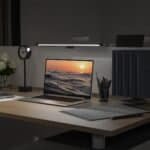
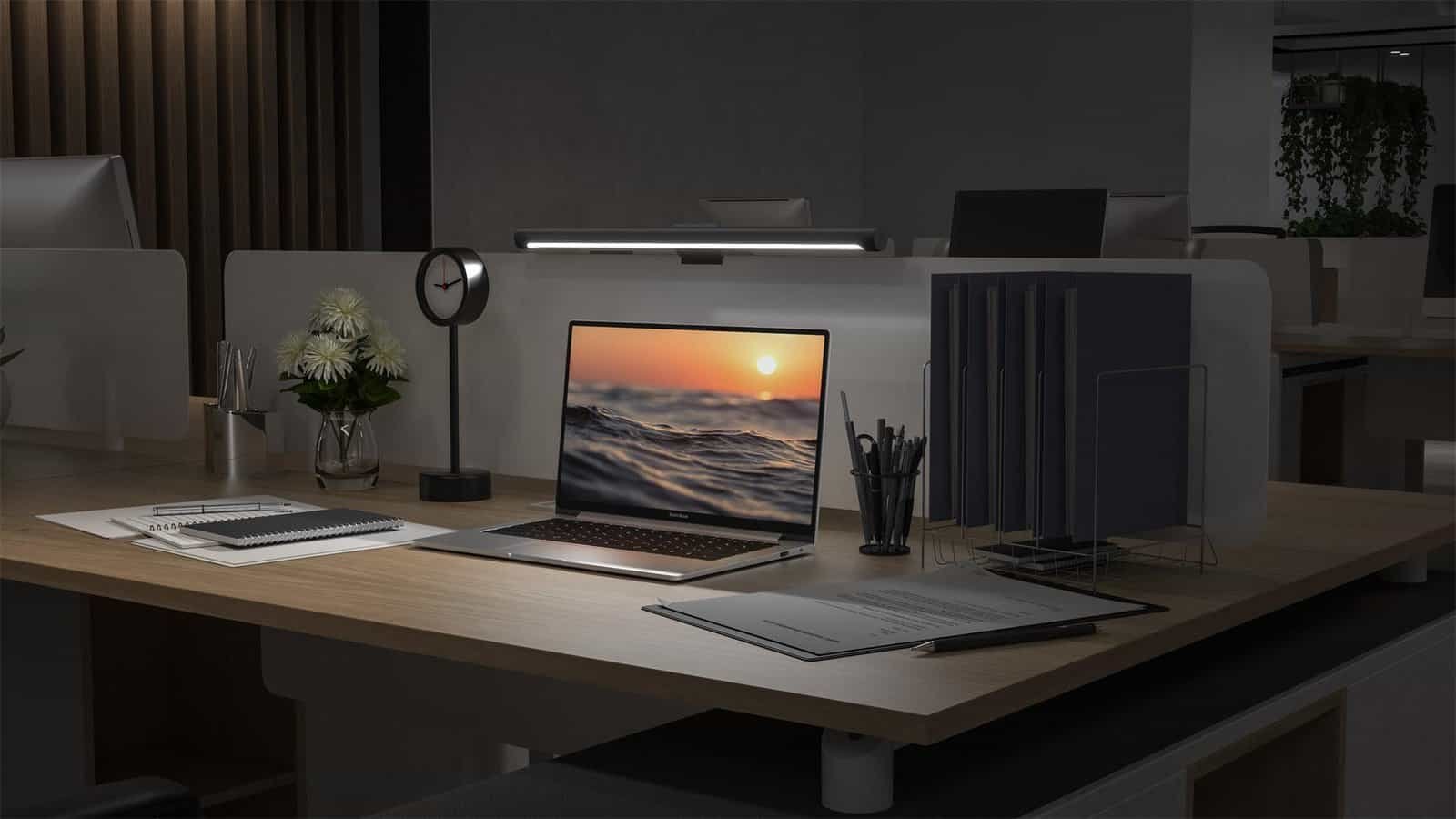
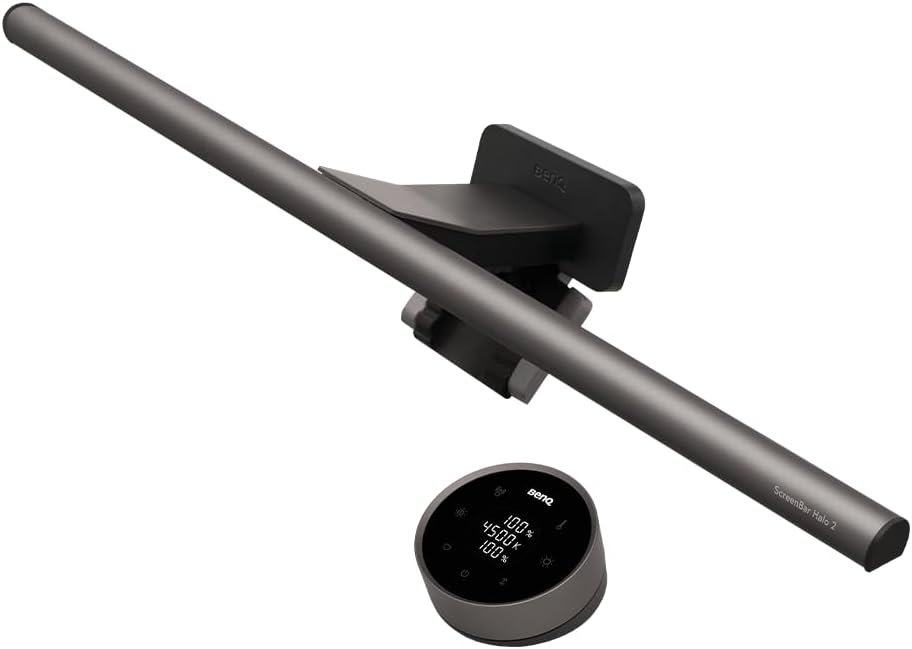
The ScreenBar Halo sits on top of the monitor. It lights the desk, not the screen.
That alone already fixes a problem most desk lamps create.
What really stands out is the light behind the monitor.
At first, it sounds unnecessary. Most people think it’s just an extra feature.
After using it for a while, especially at night, it’s hard to go back. The screen feels softer. The room feels less dark around it.
The light adjusts on its own, so you don’t have to think about it much.
There’s also a small controller on the desk. You turn it, the light changes. That’s it. No menus, no apps, no setup every day.
What people notice after some time
Most users don’t talk about specs.
They talk about how their eyes feel at the end of the day.
A lot of people say the same thing: they didn’t realize how uncomfortable their old lighting was until they replaced it. Working late feels easier. Staring at the screen feels less harsh.
The price comes up often. It’s not cheap.
Still, many say they would buy it again because it’s something they use every day. Once it’s there, you stop thinking about it — and that’s usually a good sign.
In the end, the BenQ ScreenBar Halo isn’t exciting.
It just quietly makes desk work feel better.
For people who sit at a desk for hours, that’s usually enough.
BenQ ScreenBar Plus
First place on the list goes to the BenQ ScreenBar Plus.
This is one of those products people usually don’t think about until their desk starts bothering them. Eyes tired, light too strong, shadows everywhere. That’s normally when this kind of light starts to make sense.
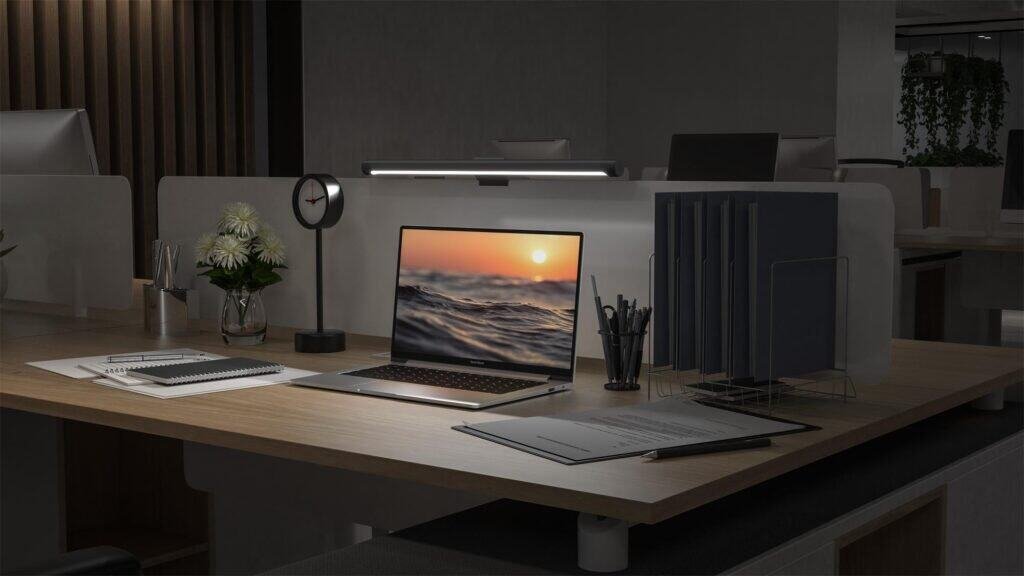
The ScreenBar Plus sits on top of the monitor and lights the desk, not the screen. That already solves a problem a lot of desk lamps create. You don’t get light in your face, and the screen doesn’t reflect glare back at you.
The brightness adjusts by itself depending on the room. Most people like this because they don’t want to keep touching settings all day. There’s also a small wired controller on the desk. You turn it, the light changes. That’s basically it. Nothing complicated.
There are no extra effects here. No light behind the monitor. No features you have to learn. It’s just a light that does what it’s supposed to do.
What people usually say about it
Most people don’t talk about specs. They talk about comfort.
A lot of users say the same thing: after a few days, working at the desk feels easier. Their eyes don’t feel as tired at the end of the day.
The automatic brightness is something many stop noticing after a while, and that’s actually a good thing. It just works in the background. The wired controller doesn’t bother most people either, since it stays put and is easy to reach.
Some users mention that the Halo version has more features, but many feel the Plus already covers what really matters. For them, it does the job without making things complicated.
In the end, the BenQ ScreenBar Plus is not exciting. It’s just comfortable.
And for people who sit at a desk for hours, that’s usually what matters most.
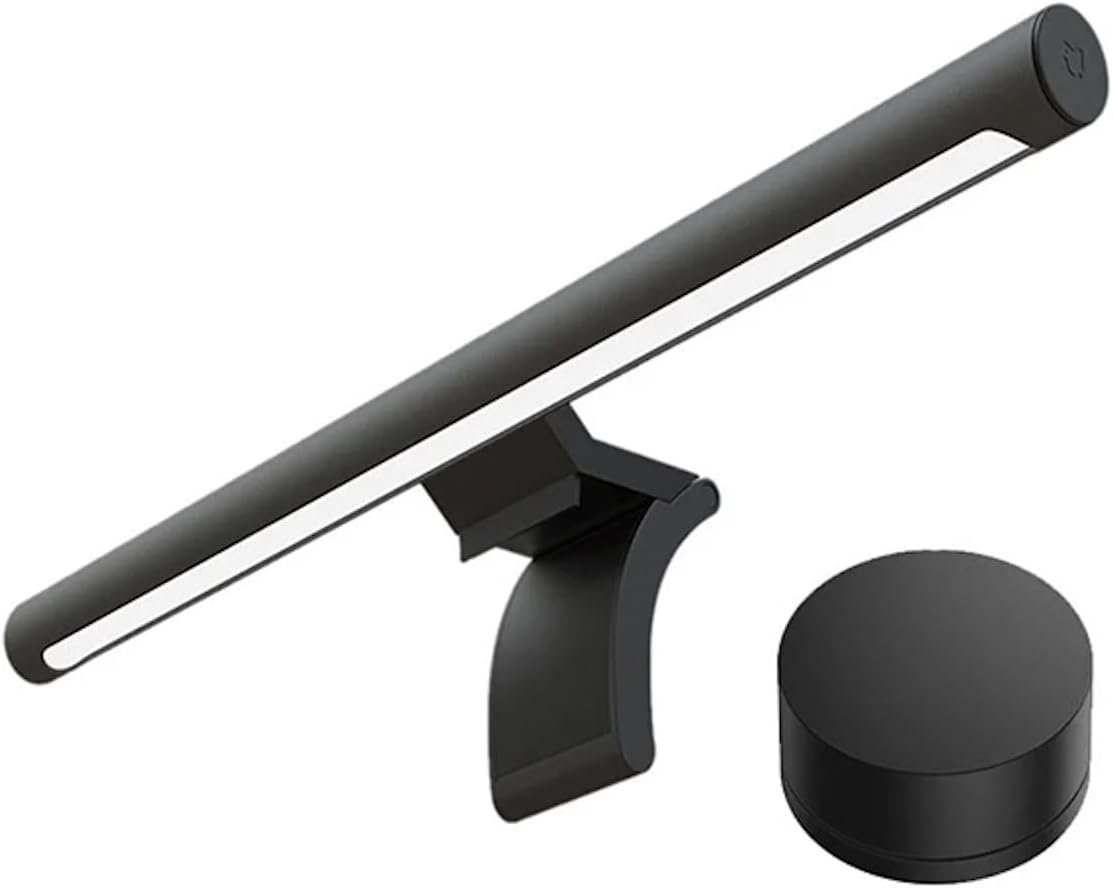
Xiaomi Mi Computer Monitor Light Bar
This spot on the list goes to the Xiaomi Mi Computer Monitor Light Bar.
This is usually the light people end up buying when they’re tired of their desk feeling dark or uncomfortable, but also don’t want to spend a lot of money. It’s not something most people plan to buy. They get to it after their eyes start bothering them or when working at night becomes annoying.
The light sits on top of the monitor and shines down on the desk. Not on your face. Not on the screen. That alone already feels better than most desk lamps. The desk looks more even, and the screen doesn’t reflect light back at you.
There’s a small wireless control. You turn it, the light changes. Brighter, warmer, cooler. That’s it. There’s no automatic adjustment, but most people don’t really miss it. You set it once, maybe adjust it again at night, and then forget about it.
There are no extra features here. No light behind the monitor. No apps. No settings to learn. It’s very straightforward.
What people usually say after using it
Most people don’t talk about details or specs. They just say the desk feels better.
Working feels less tiring. Especially at night.
A lot of users mention that after a few days, they stop noticing the light itself — and that’s a good thing. It just becomes part of the desk. The wireless controller is also something people like because it doesn’t add cables or clutter.
Some users say they wish it adjusted brightness automatically, but most are fine turning the dial themselves. For the price, many feel it does exactly what it should and nothing more.
In the end, the Xiaomi Mi Monitor Light Bar isn’t impressive or fancy.
It just quietly fixes a problem a lot of desks have.
For many people, that’s enough.
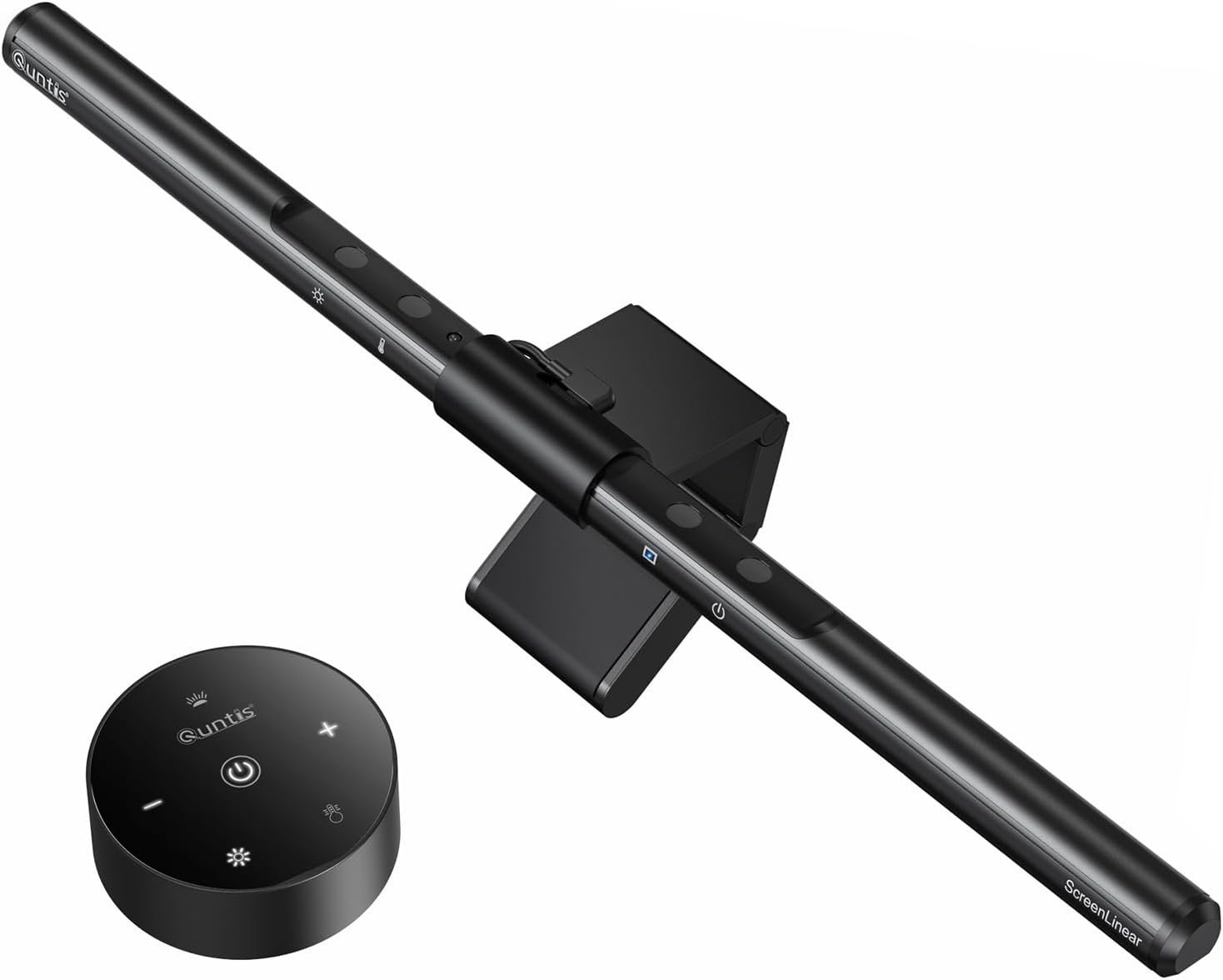
Quntis Monitor Light Bar
This spot goes to the Quntis Monitor Light Bar.
This is usually the light people buy when they’re already a bit annoyed with their desk.
The lamp is too strong. The desk feels dark in some spots. The eyes feel tired by the end of the day. You don’t really plan to buy a monitor light bar — you end up here.
The Quntis sits on top of the monitor and points the light down to the desk.
That already feels better than a normal desk lamp. No light in your face. No reflection on the screen. The desk just looks more even.
Depending on the version, you either tap it or let it adjust on its own. Most people don’t really care how it works, as long as it works. You turn it on, maybe adjust it once, and then forget about it.
There’s nothing fancy here. No light behind the monitor. No extra features. No learning curve. It’s just a light that makes the desk less annoying to work at.
What people usually notice after using it
People don’t talk about specs or numbers.
They talk about how their desk feels quieter.
A lot of users say their eyes feel less tired, especially when working at night. The light isn’t aggressive. It doesn’t call attention to itself. It’s just there.
Some people mention it doesn’t feel premium, and that’s fair. It’s not trying to be. But many also say that after a few days, they stop thinking about the light completely — and that’s kind of the point.
In the end, the Quntis Monitor Light Bar is not exciting.
It doesn’t try to impress.
It just fixes a small problem that slowly gets annoying when you sit at a desk every day.
For a lot of people, that’s enough.
BenQ e-Reading Desk Lamp
This spot goes to the BenQ e-Reading Desk Lamp.
This is the kind of lamp people look for when they’re tired of fighting shadows on the desk.
You move a paper, the light doesn’t reach. You type, your hand makes a shadow. You change position, and the lamp needs to be moved again. After a while, that gets old.
The e-Reading Desk Lamp stays on the desk and lights a big area instead of one small spot. You don’t have to aim it all the time. The desk just stays lit, and that’s it. Reading, typing, writing, switching tasks — everything feels easier.
The light itself feels calm. Not sharp, not aggressive. It doesn’t feel like it’s trying to light the whole room, just the space where you’re working. After some time, you stop paying attention to it, which is usually a good sign.
It adjusts the brightness on its own depending on the room, so most days you don’t touch anything. When you do want to change it, the controls are simple. No menus, no apps, no thinking.
There’s nothing fancy here. No bars on the monitor. No effects. No extras.
It’s just a solid desk lamp that stays where it is and does its job.
What people usually notice after using it
People don’t talk about features with this lamp.
They talk about how their desk feels.
A lot of users say their eyes feel less tired at the end of the day. Reading feels easier. Working late feels less heavy. The wide light coverage is something many mention, especially compared to regular desk lamps that only light one corner.
Some people point out that it takes up desk space, which is true. But most also say they stop caring about that once they get used to how comfortable the lighting feels.
In the end, the BenQ e-Reading Desk Lamp isn’t exciting.
It doesn’t try to be modern or clever.
It just quietly makes desk work feel better.
And for people who sit at a desk for hours, that’s usually all they want.
How to choose a desk light (the honest way)
Most people don’t wake up one day thinking:
“I need a new desk light.”
What usually happens is slower than that.
Your eyes start feeling tired.
You notice shadows on the desk.
Working at night feels heavier than it should.
And at some point, you realize something about your setup just isn’t right.
That’s when desk lighting starts to matter.
Choosing a desk light isn’t hard because there are too many options.
It’s hard because nobody really knows what they need at first.
Desk lamps vs monitor light bars
Some people like desk lamps.
Some people hate them.
Desk lamps stay on the desk, take up space, and usually light one area really well. That’s great if you read, write, move papers around, or don’t want anything attached to your monitor.
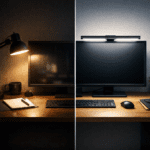
Monitor light bars do the opposite. They sit on top of the screen and light the desk from above. No lamp arm. No base. No extra clutter. For smaller desks, this alone already feels like a relief.
There’s no “better” one here.
It’s just about how your desk feels when you sit down.
Desk size matters (more than you think)
A lot of frustration comes from ignoring desk size.
If your desk is small and already crowded, adding a big lamp usually makes things worse.
If your desk is wide and empty, a tiny light can feel useless.
This is one of those things people only understand after buying the wrong one once.
Controls and adjustments
Some lights adjust themselves.
Some don’t.
Automatic brightness sounds fancy, but what people really like is not having to think about it. Manual controls are fine too, as long as they’re easy and not annoying.
If you have to fight the light every day, it’s the wrong one.
Comfort is the real reason
Nobody buys a desk light because it’s fun.
They buy it because something feels off.
Good desk lighting doesn’t draw attention to itself.
It doesn’t feel strong.
It doesn’t feel dim.
It just stays there and lets you work.
If you stop thinking about the light after a few days, that’s usually a good sign.
Build quality (the quiet difference)
Cheap lights work.
Until they don’t.
A light that keeps moving, slipping, or needing adjustment slowly becomes annoying. Solid lights don’t do anything special — they just stay where you put them.
That’s something people appreciate over time, not on day one.
What reviews really help with
Specs don’t tell you much.
Reviews do.
Not because people explain features, but because they explain how the light feels after weeks of use. That’s the part worth paying attention to.
Final thought
There isn’t a perfect desk light.
There’s just the one that makes your desk feel calmer and your eyes feel less tired.
When that happens, you stop thinking about lighting altogether.
And honestly, that’s the best outcome you can get.